Designating default keys
When you create an environment, PingOne includes a default signing key and default encryption key. You can designate different keys as the default signing key and default encryption key if needed. For example, if an existing key expires, you can designate a different key as default.
Steps
-
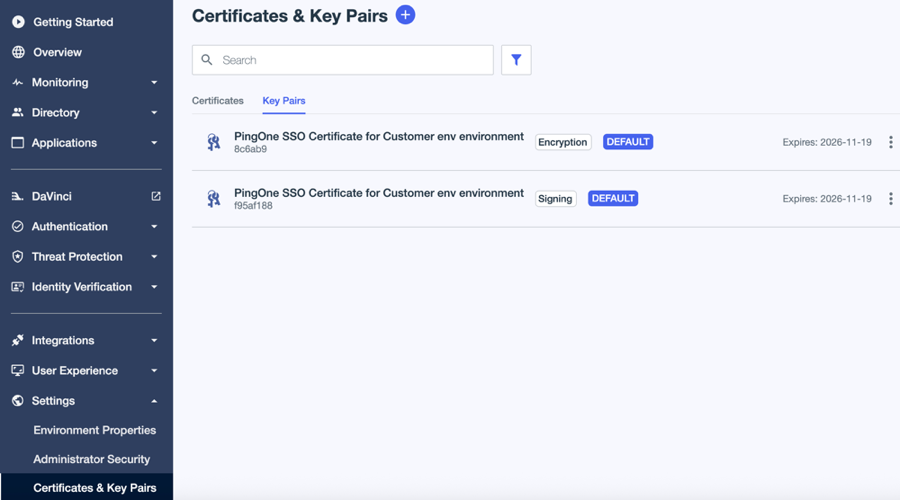
In the PingOne admin console, go to Settings > Certificates and Key Pairs.
-
On the Key Pairs tab, browse or search for the key pair you want to set as the default.
-
Click the key pair to open the details panel.
-
Do one of the following:
-
For a signing key, click Make Default Signing Key. In the confirmation message, click Continue.
-
For an encryption key, click Make Default Encryption Key. In the confirmation message, click Continue.
You can’t set an expired key as the default.
-
Result
The default key is indicated with a Default label.