Fine-tuning assertion validity duration
You can configure the assertion validity duration to set the maximum amount of time before the SAML assertion expires for the Microsoft 365 application in PingOne. The assertion validity duration applies only to SAML assertions as a result of successful passive profile sign-on attempts and not to active profile sign-ons. Learn more in Adding Microsoft 365 to allow users to sign on using PingOne.
Before you begin
Add a Microsoft 365 application in PingOne.
Steps
-
In the PingOne admin console, go to Applications > Applications and click the Microsoft 365 application in the Applications list.
-
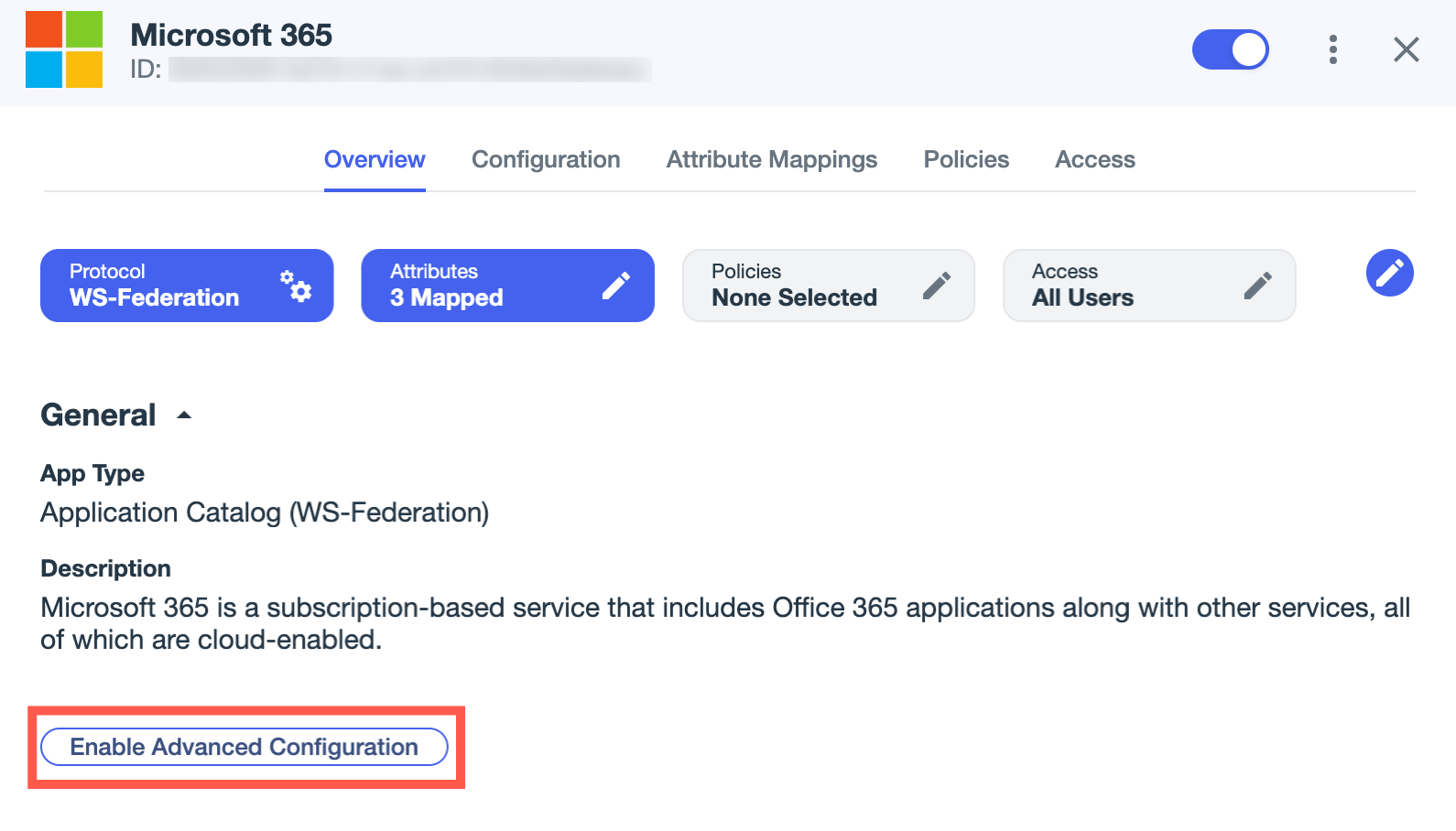
If you haven’t already, click Enable Advanced Configuration on the Overview tab and click Enable in the confirmation modal.
-
On the Configuration tab, click the Pencil icon ().
-
For Assertion Validity Duration (in seconds), edit the value only if your application requires a different duration than the default value of 300 seconds (5 minutes).
For example, if an application requires a validity duration of 30 minutes, enter
1800for the value (in seconds). -
Click Save.
Next steps
Set the WS-Trust version for passive profile sign-ons to the Microsoft 365 application.