Enabling Kerberos authentication
You can enable Kerberos authentication to provide end users with a seamless sign-on experience if the Microsoft 365 users are migrated into PingOne from Active Directory (AD) through the LDAP Gateway and if your Microsoft 365 applications support the Active Profile sign-in option.
Before you begin
You must have:
-
An LDAP Gateway configuration with Kerberos authentication enabled
-
At least one user type configured
-
A configured SPN in AD
-
An LDAP Gateway deployed in the network where it can reach the targeted domain controllers
Steps
-
In the PingOne admin console, go to Applications > Applications and click the Microsoft 365 application in the Applications list.
-
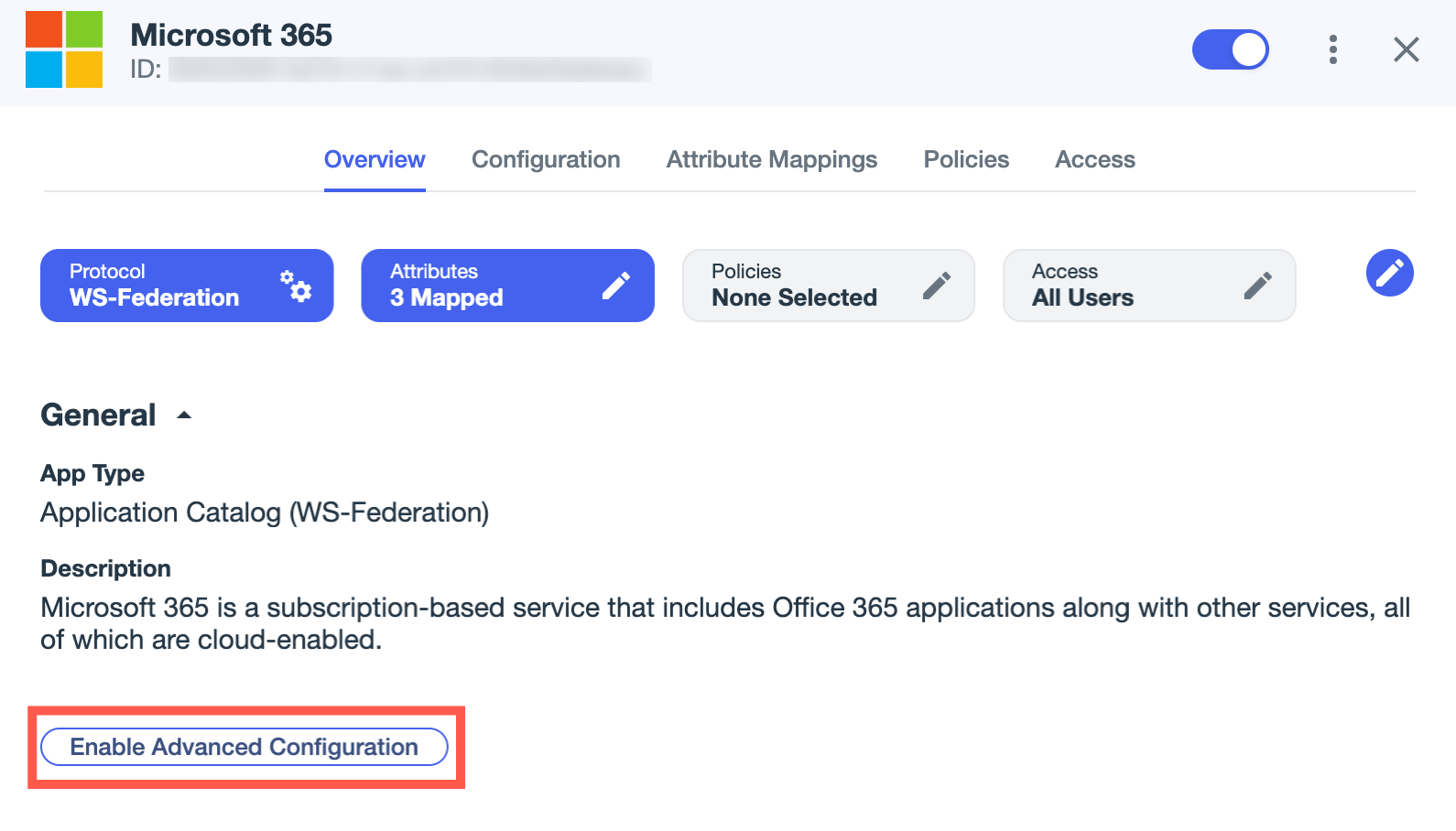
If you haven’t already, click Enable Advanced Configuration on the Overview tab and click Enable in the confirmation modal.
-
On the Configuration tab, click the Pencil icon ().
-
Select the Enable Kerberos Authentication checkbox.
-
Click Add Gateway User Type.
-
Select a Gateway and a User Type.
-
Click Save.