Assigning a key pair to an application
New applications automatically use the default key pair, but you can change the key pair that an existing application uses.
Steps
-
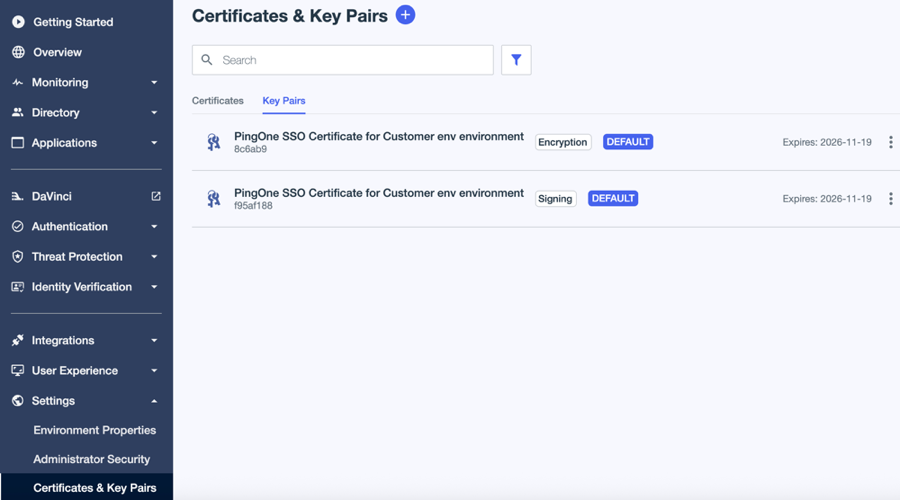
In the PingOne admin console, go to Settings > Certificates and Key Pairs.
-
On the Key Pairs tab, browse or search for the key pair you want to assign.
-
Click the key pair to see more information.
-
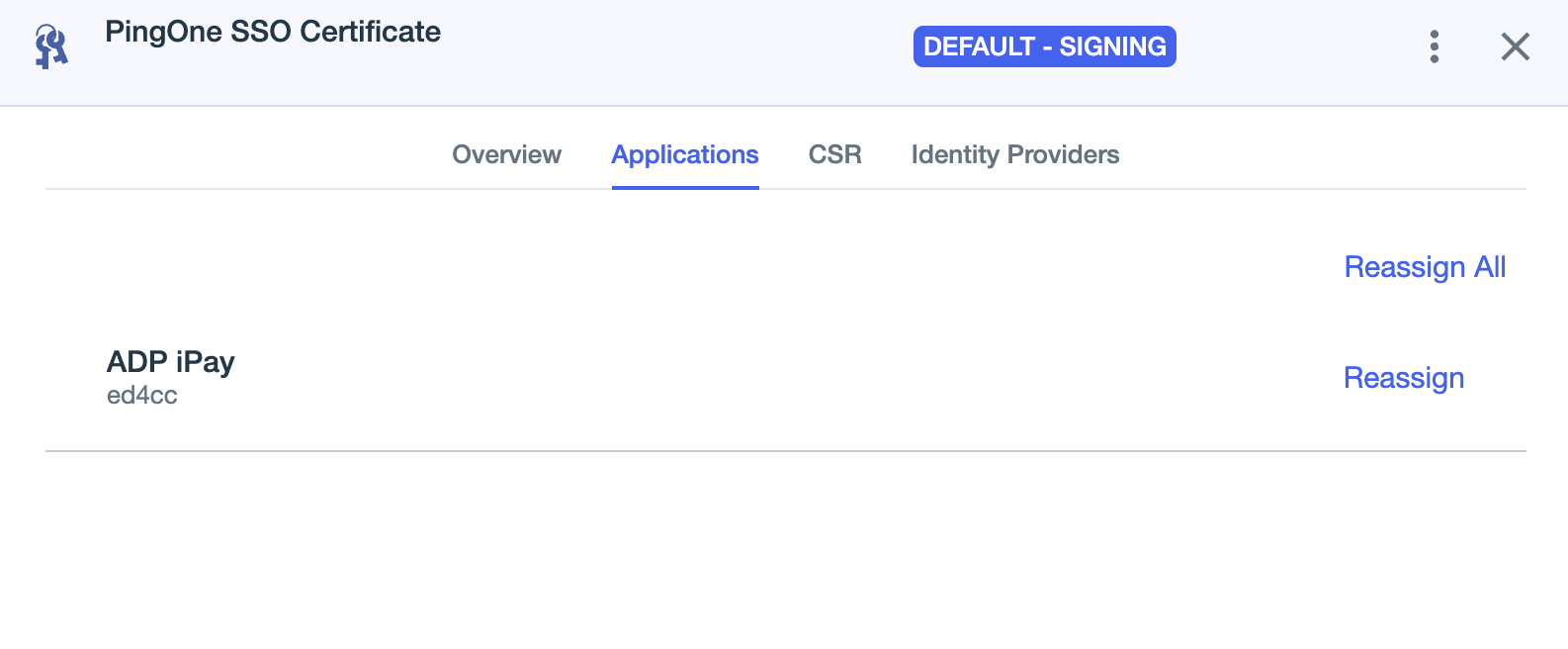
On the Applications tab, locate the applicable application and click Reassign.
-
For the appropriate application, click Reassign.
-
In the Reassign Key Pair modal, select the new key pair from the list and click Continue.
If you change the default key, existing applications will continue to use the key that was assigned when the application was created.