Monitoring with the admin console
The admin console can be used to monitor items, such as disk space usage, active operations in the server, and alarms raised.
About this task
The console provides a status option that accesses the server’s monitor content.
To view the monitor dashboard:
Steps
-
In your browser, go to http://<server-name>:<port>/console.
-
Enter the root user distinguished name and password. Click Continue.
-
In the sidebar, click Status.
-
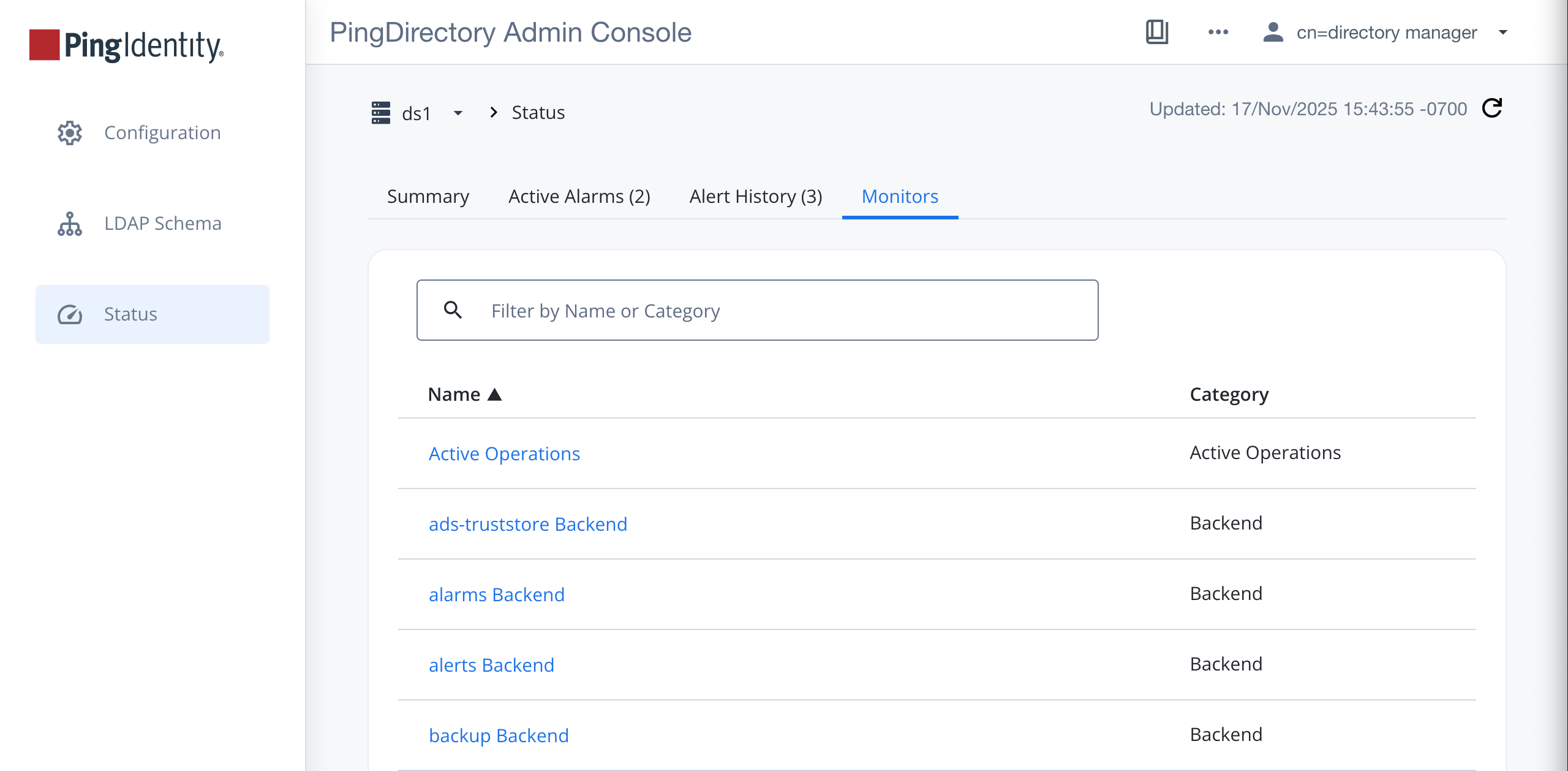
Click the Monitors tab.
Result
The Monitors page opens, and you can monitor your server by selecting a monitor attribute.